
Local SEO • Google Reviews
How to Get Google Reviews for Business in Bangladesh
The safest way to get more Google reviews in Bangladesh is to ask real customers for honest feedback at a natural point after their experience, then make the process easy with your Google review link or QR code. Do not buy reviews, offer discounts for reviews, ask only happy customers, or tell people what rating to leave.
Why Google reviews matter for a Bangladesh business
Reviews help a potential customer understand what it is like to buy from you. They can answer practical questions about service, communication, delivery, cleanliness, staff behavior or product quality before someone calls, visits or sends a message.
Google also says review quantity and positive ratings can contribute to local prominence. That does not mean reviews alone will put a business at the top of Maps. Local results still depend on relevance, distance and prominence as a whole.
For a local business, the right goal is not “get as many five-star reviews as possible.” The goal is a steady stream of genuine feedback from real customers, supported by good service and professional replies.
Start with Google's review rules
Before setting up a review campaign, make the policy boundary clear to everyone who serves customers. Google allows businesses to ask for reviews that reflect a genuine experience. It does not allow businesses to manipulate the rating or the content of those reviews.
| Safe approach | Avoid |
|---|---|
| Ask a real customer to share an honest experience. | Buying reviews or using fake accounts. |
| Share the same neutral review request process with eligible customers. | Asking only customers who say they are happy. |
| Make the review link or QR code easy to access. | Offering discounts, gifts or free services in exchange for a review. |
| Let the customer choose the rating and wording. | Telling customers to leave five stars or mention a specific employee or keyword. |
| Reply calmly to both positive and negative feedback. | Offering a reward for changing or deleting a negative review. |
Review gating is not a safe strategy. Do not send unhappy customers to a private feedback form while sending only happy customers to Google. The request should be neutral and should not selectively solicit positive reviews.
1. Create the official Google review link and QR code
Google provides a direct review link for your Business Profile. On a computer, open your Business Profile, go to the review area and choose the option to get more reviews. From there you can copy the review link or save the QR code.
Google currently says the review QR code is generated from a computer browser rather than a mobile device. The link itself can then be shared in the places where customers already communicate with the business.
Save the link somewhere your staff can reach without logging into the Business Profile each time. Test it on Android and iPhone before sending it to customers.
2. Ask at the right moment
A review request works best after the customer has actually received the value they paid for. The exact moment depends on the business.
A restaurant can ask after the meal. A clinic can ask after the visit is complete. A repair company can ask after the work has been checked. An ecommerce business can ask after the order arrives. A B2B service may wait until the client has seen the completed deliverable.
Avoid asking before the service is finished. Do not pressure a customer to write the review while staff stand over them. Give them a simple option and space to decide for themselves.
3. Use the channels your customers already use
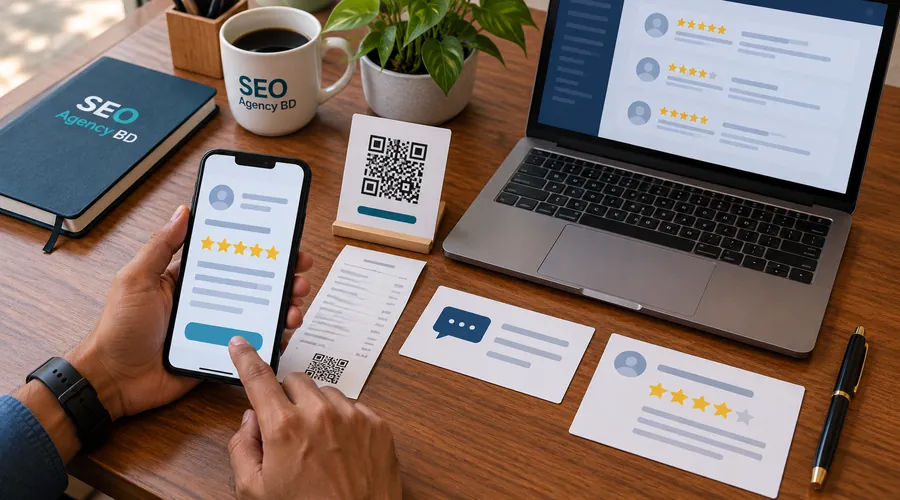
Google specifically allows businesses to share a review link or QR code in places such as receipts, thank-you messages and chat interactions. For a Bangladesh business, that gives you several practical options.
At the counter or reception desk
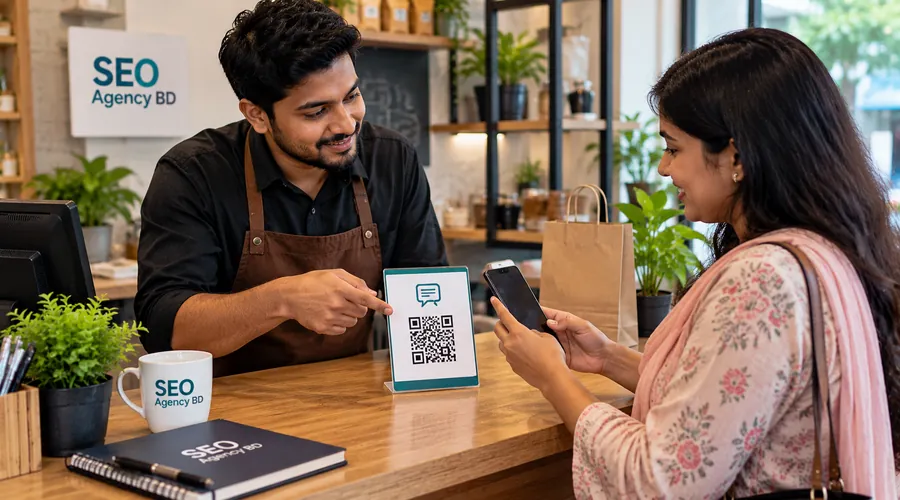
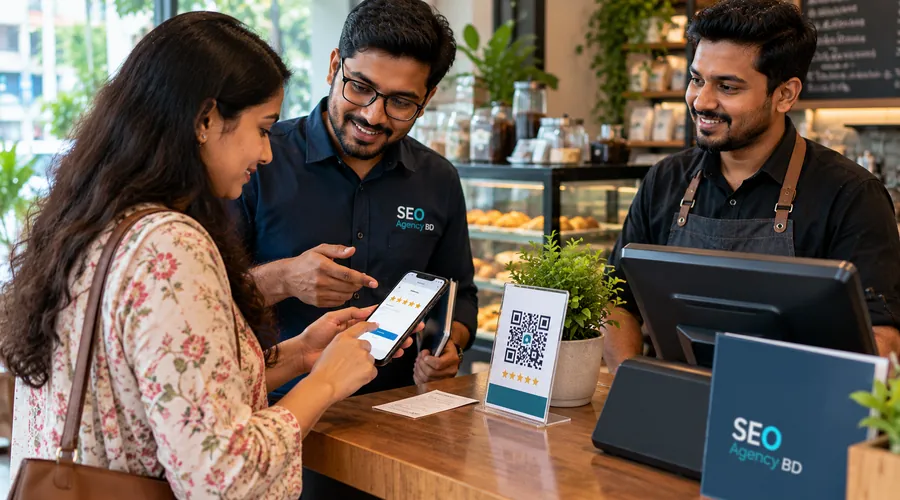
Display a small QR card where a customer can scan it after payment or after the service is complete. Keep the wording neutral. The QR code should be easy to scan, but it should not dominate the counter or make the customer feel pressured.
WhatsApp follow-up
If the customer already used WhatsApp to book, ask a question or receive an update, you can send the review link in a short follow-up after the transaction. Do not add the customer to a marketing list just for reviews.
Email or SMS
For businesses that already send receipts, appointment confirmations or post-service messages, add a short review request after the main purpose of the message. Keep the request separate from offers or discounts so there is no confusion about incentives.
4. Keep the request short and neutral
The request does not need a marketing speech. Customers should understand who is asking, why, and where the link goes.
In-person example: “Thank you for visiting us today. If you'd like to share your experience, you can scan this QR code and leave an honest Google review.”
WhatsApp example: “Thank you for choosing [Business Name]. If you'd like to share your experience, here is our Google review link: [review link]. We appreciate honest feedback.”
Service follow-up example: “We hope everything is working well after today's service. If you have a moment, you can share your experience here: [review link]. Your honest feedback is appreciated.”
Notice what these messages do not say. They do not ask for five stars. They do not ask for a “positive review.” They do not promise a discount. They simply make it easy for a real customer to share an honest experience.
5. Give staff one clear review-request process
Problems start when every staff member makes up their own method. One person asks for a five-star rating, another promises a discount, and another asks only customers who seem pleased. That creates policy and quality risk.
Give the team a short process instead:
- Confirm the transaction or service is complete.
- Ask neutrally if the customer would like to share feedback.
- Offer the official review link or QR code.
- Do not suggest a rating or wording.
- Do not reward the customer for reviewing.
- Record that the request was sent only if you need internal follow-up control.
If staff have targets, measure whether the request process is followed correctly rather than setting a quota for five-star reviews.
6. Follow up without becoming annoying
One polite reminder can be reasonable when a customer has already agreed to receive normal service messages. Repeated review requests can feel like pressure and can damage the customer relationship.
A simple workflow is enough: send the first request after the experience, wait, and send one short reminder only when it fits the normal communication relationship. Stop after that.
7. Reply to reviews like a business owner, not a salesperson
Google encourages businesses to reply to reviews. Your response is public, so write for two audiences: the reviewer and the next potential customer reading the conversation.
For positive feedback, a short thank-you is usually enough. Mention a real detail when it adds value, but avoid stuffing service keywords or turning the reply into an advertisement.
For negative feedback, check what happened before replying. Stay calm. Protect the customer's privacy. Acknowledge the issue, apologize when appropriate, and move account-specific details to phone or email.
| Situation | Response approach |
|---|---|
| Positive review | Thank the customer, acknowledge the specific experience when useful, and keep the reply natural. |
| Fair complaint | Acknowledge the concern, explain the next step and invite the customer to continue privately if personal details are involved. |
| Unclear complaint | Ask the reviewer to contact the business with enough information to identify the visit or order. |
| Policy-violating review | Document it and use Google's reporting process instead of starting a public argument. |
8. Do not treat every negative review as removable
Google does not remove a review just because a business disagrees with it. A critical review can still be legitimate. Report a review when you believe it violates Google's content policies—for example, spam, fake engagement, prohibited content or another eligible policy issue.
If the review describes a real bad experience, the better response is usually to investigate, fix the underlying issue when possible, and reply professionally.
9. Improve the rating by improving the experience
The strongest long-term review strategy starts before the request. If customers repeatedly complain about late delivery, poor communication or a confusing booking process, asking more people for reviews will not fix the cause.
Track repeated themes in feedback. Give recurring issues an owner. Fix the process. Then continue asking customers for honest reviews. This is how a review program becomes useful business intelligence rather than a reputation trick.
Practical examples for Bangladesh businesses
Restaurant or café
Put a review QR code near the payment point or on a receipt. Staff can mention it after the bill is settled. The request should invite an honest review, not a five-star rating. If a customer raises a complaint in person, solve the service problem rather than pushing them toward or away from Google.
Clinic or professional practice
Send the request after the appointment when the service is complete. Keep the message general and protect privacy. Never mention sensitive details in the public reply to a review.
Home-service business
After the customer confirms the job is complete, send a short WhatsApp message with the direct review link. The technician can remind the customer once, but should not wait beside them while they write the review.
Retail or ecommerce business
Ask after pickup or delivery rather than immediately after payment. If the customer has not received the product yet, they cannot give useful feedback about the full experience.
10. Track the process, not just the star rating
A rising rating can feel good, but it does not tell you whether the review process is healthy. Keep a simple monthly record of the parts you can control.
- number of genuine review requests sent;
- number of new reviews received;
- how quickly the business responds;
- recurring positive themes;
- recurring complaints that need operational work;
- reviews reported for a clear policy reason;
- whether the same request process is being used across staff or branches.
Do not set an internal goal such as “every employee must get five five-star reviews this week.” That can encourage pressure and rating manipulation.
A simple 30-day Google review plan
| Week | Focus | Finish line |
|---|---|---|
| Week 1 | Check profile access, create and test the review link and QR code, and write one neutral request message. | One approved review-request workflow |
| Week 2 | Choose the right request points: counter, receipt, WhatsApp, email or post-service follow-up. | Requests happen at a natural point after real service |
| Week 3 | Train staff on neutral wording, no incentives and no selective positive solicitation. | Consistent staff process |
| Week 4 | Review new feedback, reply where useful and identify service issues that appear more than once. | Feedback becomes an operating improvement loop |
Common review-generation mistakes
- Offering a discount for a review: incentives are not allowed.
- Asking only happy customers: selective solicitation of positive reviews is prohibited.
- Asking for five stars: let the customer decide the rating.
- Giving staff five-star quotas: this can create pressure and manipulation.
- Buying review packages: fake engagement can lead to review removal and profile restrictions.
- Using friends, employees or related accounts to inflate the score: reviews should reflect genuine customer experience.
- Ignoring negative feedback: real complaints can reveal problems worth fixing.
- Arguing publicly: keep replies calm and move private details off the review thread.
- Sending the wrong link: test the direct review link before staff share it.
If your Business Profile itself needs work, use our Google Business Profile optimization checklist. For the wider visibility picture, see how to rank on Google Maps in Bangladesh and our guide to local SEO ranking factors in Bangladesh.
Frequently asked questions
Can I ask customers for Google reviews?
Yes. Google allows businesses to ask customers to share genuine experiences. The request must not include payment, discounts, free goods, pressure for a specific rating or other attempts to manipulate the review.
Can I send a Google review link through WhatsApp?
Yes. Google specifically lists WhatsApp as one way a business can share its review request link. Use it when the customer already has a legitimate communication relationship with the business and keep the message neutral.
Can I offer a discount for a Google review?
No. Google treats payment, discounts, free goods and free services offered in exchange for reviews as fake engagement.
Can I ask only satisfied customers to leave a Google review?
No. Google's policy prohibits selectively soliciting positive reviews. Use a neutral process rather than filtering customers by how happy they say they are.
Do more Google reviews improve local rankings?
Google says more reviews and positive ratings can help local ranking, but reviews are only one part of prominence. Relevance and distance also affect local results, so there is no review count that guarantees a top position.
Can I remove a negative Google review?
You can report a review if it violates Google's content policies. A review is not eligible for removal simply because it is negative or because the business disagrees with the customer.
Official sources checked for this guide
- Google Business Profile Help — create a review link or QR code
- Google Business Profile Help — tips to get more reviews
- Google Business Profile Help — prohibited and restricted review content
- Google Business Profile Help — manage and reply to customer reviews
- Google Business Profile Help — report inappropriate reviews
- Google Business Profile Help — local ranking guidance
Need a review system your team can actually follow?
If your business has no consistent review-request process, staff are using risky wording, or negative feedback is being handled differently every time, SEO Agency BD can help build a policy-safe workflow for requesting, monitoring and responding to reviews. This article owns the how-to intent; the service page explains done-for-you review management.